How Can We Help?
How do I Manage Surveys
The following steps outline how to manage surveys within your Show The Way implementation. You will complete these steps by clicking on the “Command Center” link at the top right of the screen, or you can click here. If you have any issues with adding or managing surveys, please reach out to our HelpDesk.
Managing Surveys
There are two parts to managing your surveys: first is which surveys are included in your implementation, and second is modifying custom labels to your liking.
Adding and Removing Surveys
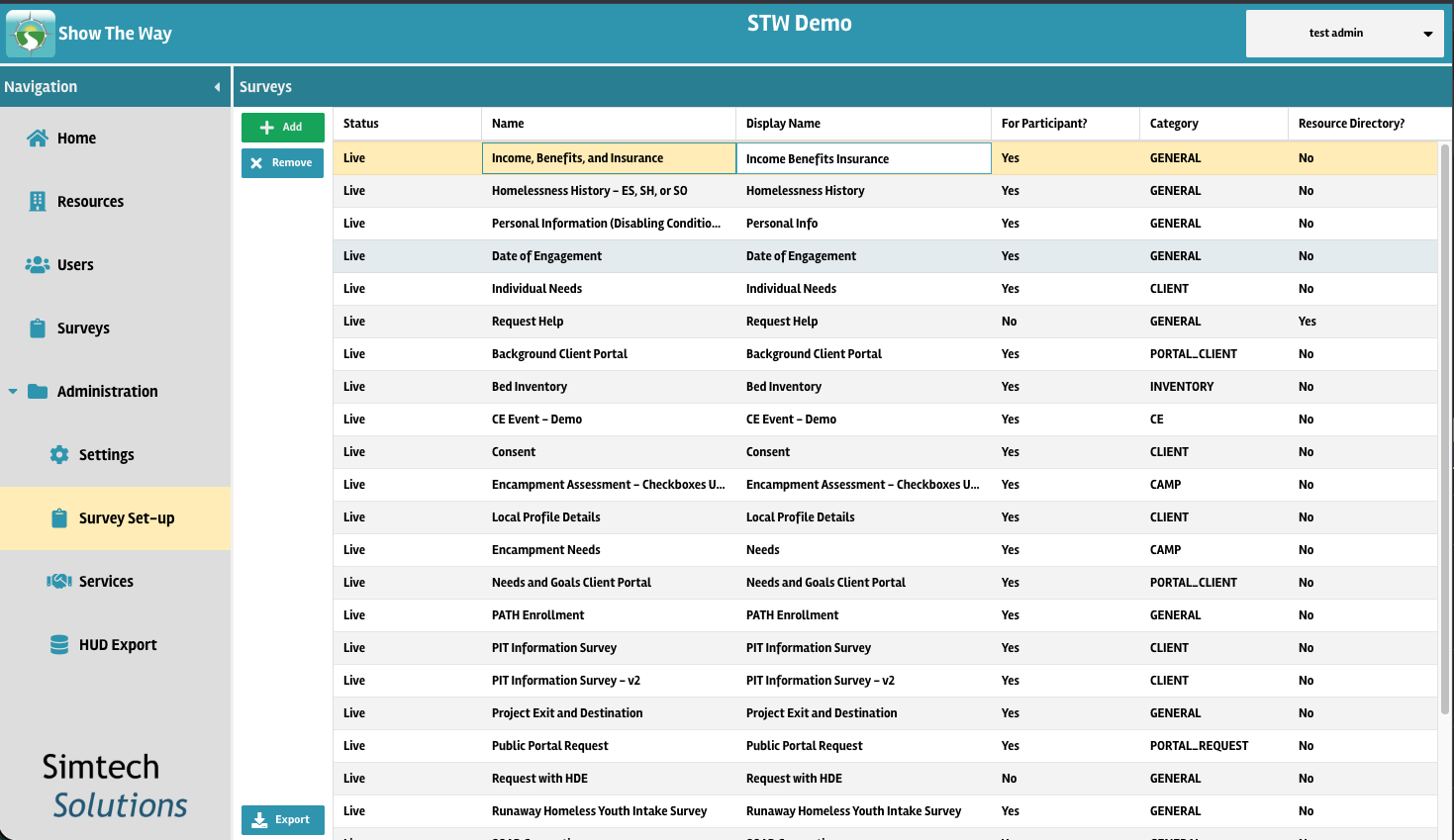
Choose which surveys are part of your implementation by going to Administration -> Survey Set-up. Here you can add or remove existing surveys. You can also edit the Display Name of the survey directly within the table.
Updating Survey Labels
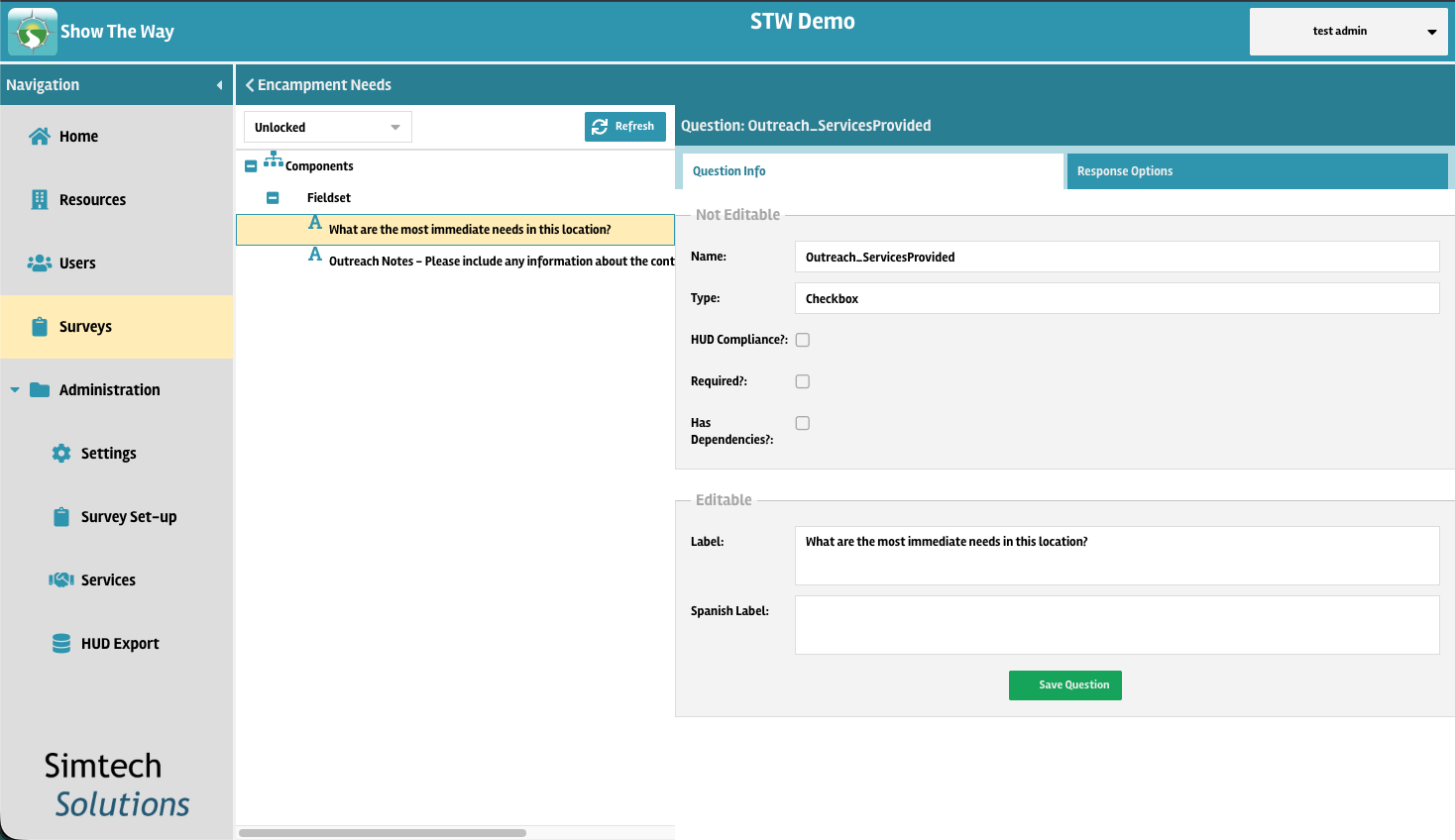
If you would like to modify the survey contents, such as the wording of the questions or their response options, go to the Surveys tab in the left hand navigation panel. Open the desired survey, select a question, and use the the Label field in the right side of the screen to modify the question wording and click save. To modify the response values of checkbox or dropdown questions, you can do so in the Response Options tab.